

Prerequisites
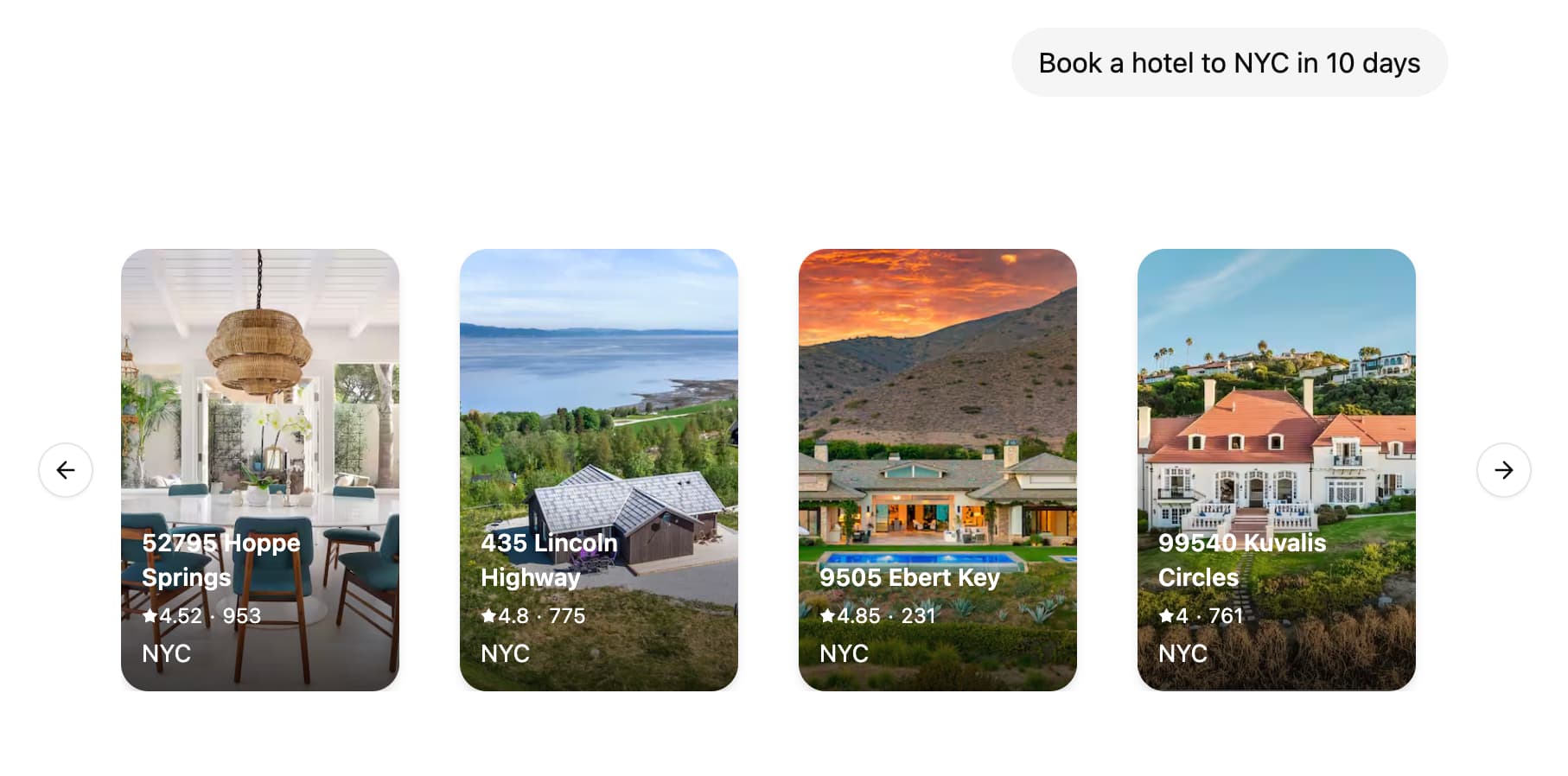
Tutorial
1. Define and configure UI components
First, create your first UI component. For each component you need to provide an unique identifier that will be used to reference the component in your graph code.src/agent/ui.tsx
langgraph.json configuration:
ui section points to the UI components that will be used by graphs. By default, we recommend using the same key as the graph name, but you can split out the components however you like, see Customise the namespace of UI components for more details.
LangSmith will automatically bundle your UI components code and styles and serve them as external assets that can be loaded by the LoadExternalComponent component. Some dependencies such as react and react-dom will be automatically excluded from the bundle.
CSS and Tailwind 4.x is also supported out of the box, so you can freely use Tailwind classes as well as shadcn/ui in your UI components.
- src/agent/ui.tsx
- src/agent/styles.css
2. Send the UI components in your graph
- Python
- JS
src/agent.py
3. Handle UI elements in your React application
On the client side, you can useuseStream() and LoadExternalComponent to display the UI elements.
src/app/page.tsx
LoadExternalComponent will fetch the JS and CSS for the UI components from LangSmith and render them in a shadow DOM, thus ensuring style isolation from the rest of your application.
How-to guides
Provide custom components on the client side
If you already have the components loaded in your client application, you can provide a map of such components to be rendered directly without fetching the UI code from LangSmith.Show loading UI when components are loading
You can provide a fallback UI to be rendered when the components are loading.Customise the namespace of UI components.
By defaultLoadExternalComponent will use the assistantId from useStream() hook to fetch the code for UI components. You can customise this by providing a namespace prop to the LoadExternalComponent component.
- src/app/page.tsx
- langgraph.json
Access and interact with the thread state from the UI component
You can access the thread state inside the UI component by using theuseStreamContext hook.
Pass additional context to the client components
You can pass additional context to the client components by providing ameta prop to the LoadExternalComponent component.
meta prop in the UI component by using the useStreamContext hook.
Streaming UI messages from the server
You can stream UI messages before the node execution is finished by using theonCustomEvent callback of the useStream() hook. This is especially useful when updating the UI component as the LLM is generating the response.
ui.push() / push_ui_message() with the same ID as the UI message you wish to update.
- Python
- JS
- ui.tsx
Remove UI messages from state
Similar to how messages can be removed from the state by appending a RemoveMessage you can remove an UI message from the state by callingremove_ui_message / ui.delete with the ID of the UI message.
- Python
- JS
Learn more
Connect these docs to Claude, VSCode, and more via MCP for real-time answers.